Cost and usage governance
Model usage is easy to run up and hard to attribute. Cost and usage governance turns spend from an end-of-month surprise into a value you can cap, attribute, and get alerted on as it happens. Cost and attribution →
Metering runs per stage, not just per call
Cost, tokens, and latency are always counted per stage: the LLM call itself, and separately the Judge, Jury, and Decider stages when they are configured. This is what lets you see that a Jury review is adding a meaningful share of a surface’s spend, rather than seeing only one combined figure for the whole request.

How a usage limit or monthly ceiling blocks overspend
A surface can enforce a monthly USD budget and a monthly token cap, at the surface level, per stage, or even per individual juror. Once spend or tokens reach a configured cap, further requests are blocked with a 429 response before they reach the provider. The request that crosses the cap is allowed through, and the block applies from the next request. Surface, stage, juror, and team caps reset on the first of each calendar month (UTC). A member’s caps reset on the monthly anniversary of the member’s Resets monthly from date, or at the start of the calendar month (UTC) once Use calendar month clears that date. For reasoning models, a separate per-request reasoning cap, max_reasoning_tokens in the surface’s Config JSON view, limits each request’s reasoning budget, clamping the requested budget before the request reaches the provider. The resulting, post-clamp reasoning effort and budget are exposed to Rego so a policy can gate on what was actually requested.
Usage limits and breach alerts are two different mechanisms, one blocks, the other notifies:
429 before they reach the provider.What triggers a breach or anomaly alert
Beyond hard limits, Agent Stream can fire a notification on:
- a single request’s cost or token count exceeding a threshold.
- the error rate over a rolling 5-minute window rising above a configured level.
- a cost spike, a single request costing more than a set multiple of the recent mean cost for that surface.
Alerts route through your existing integrations, such as email, Slack, or a webhook, so a budget breach or a sudden cost anomaly reaches the people who need to act on it, not just a dashboard nobody is watching.
How a call is priced
By default, a call’s cost comes from the model’s price in the model catalogue on the Models page. A surface can instead declare its own price for its upstream, in USD per million input and output tokens and including zero, in the upstream_pricing field of the surface’s Config JSON view. Adding or changing a declared price needs the Surface price overrides permission, and editing the model catalogue needs Model catalogue changes (see RBAC). Both default to Administrator, because the price decides what every call spends against the surface, team, and member budgets.
Provider-side cache tokens
Several providers cache prompt tokens themselves and bill the cached portion at a reduced rate. Agent Stream surfaces this figure explicitly, for example OpenAI’s cached_tokens, Anthropic’s cache_read_input_tokens, and DeepSeek’s prompt_cache_hit_tokens, as distinct from Agent Stream’s own response cache described in Resilience and caching →. This avoids double-counting a provider’s own cost saving as if it were Agent Stream’s.
What appliance tier limits control
Everything above governs spend and token usage. Appliance tier limits are a separate mechanism: they cap how many of a given entity you can create, independent of what it costs to run.
Your appliance is provisioned with a maximum count for entities such as users, surfaces, credentials, connections, and gateways, sized to your commercial tier. Attempting to create a new item that would breach one of these limits is blocked outright, with an explanation that names the limit and advises upgrading your appliance tier for more headroom, rather than being allowed through or billed differently.
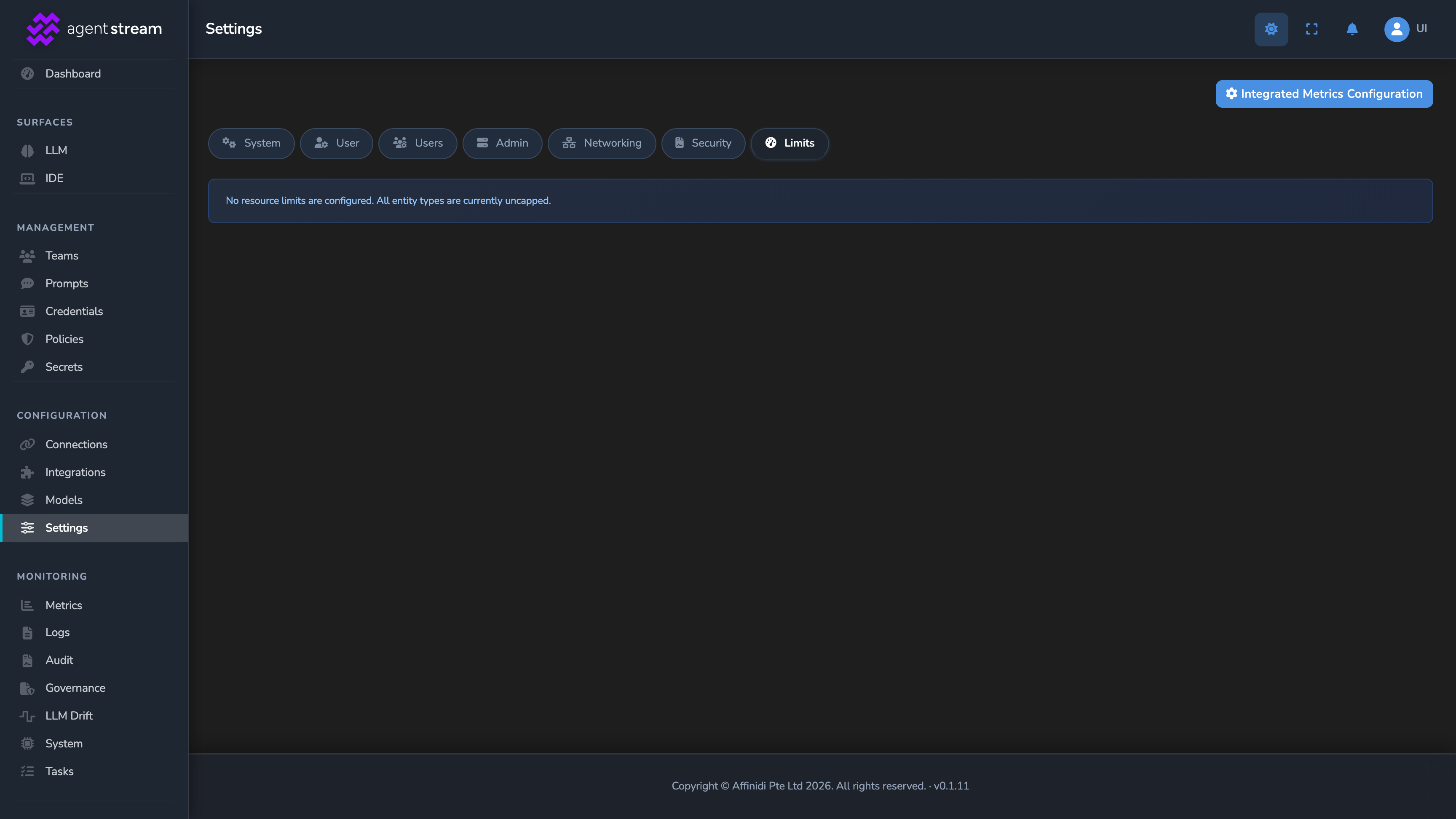
A Limits tab in Settings lists every enforced limit alongside your appliance’s current usage against it, so you can see how close you are to a ceiling before you hit it.
Why this matters
- Hard caps stop a runaway integration before it produces a large bill.
- Per-stage attribution shows which part of a governed pipeline, the model call, the Judge, or the Jury, is actually driving cost.
- Team and member rollups. Combined with Teams and attribution →, the same figures roll up by team, member, and surface.
Related
- Teams and attribution: How spend and token usage roll up to members and teams.
- Pipeline and stages: The named stages, LLM call, Judge, Jury, Decider, that per-stage metering breaks cost down by.
- Resilience and caching: How the response cache avoids provider cost on repeated prompts.
- Observability: Where usage telemetry and per-request cost headers are exposed.
Glad to hear it. Thanks for letting us know.
Sorry to hear that. Thanks for letting us know.